Google Business Profile for Local Businesses: An 8-Step Optimisation Guide
Thơ Lê — Founder & CEO, Sun Reaches · Updated 25 Nov 2026 · 2 min read

Quick answer: Google Business Profile is a free listing that appears in Google Search and Maps. To rank on the map: verify it, choose the right primary category, fill in every field (hours, services, phone), add real photos, reply to reviews and post updates regularly.
When someone types "garage near me" or "gym in District 7" on a phone, the first thing they see is often not a website but a map with three businesses. Those three get most of the calls and directions. The tool that decides this is Google Business Profile (GBP).
What it is and why it matters
GBP is Google's free listing showing your name, address, hours, phone number, photos, reviews and a directions button. For garages, gyms, salons, shops and clinics, it is often where customers decide whether to call.

The 8 steps
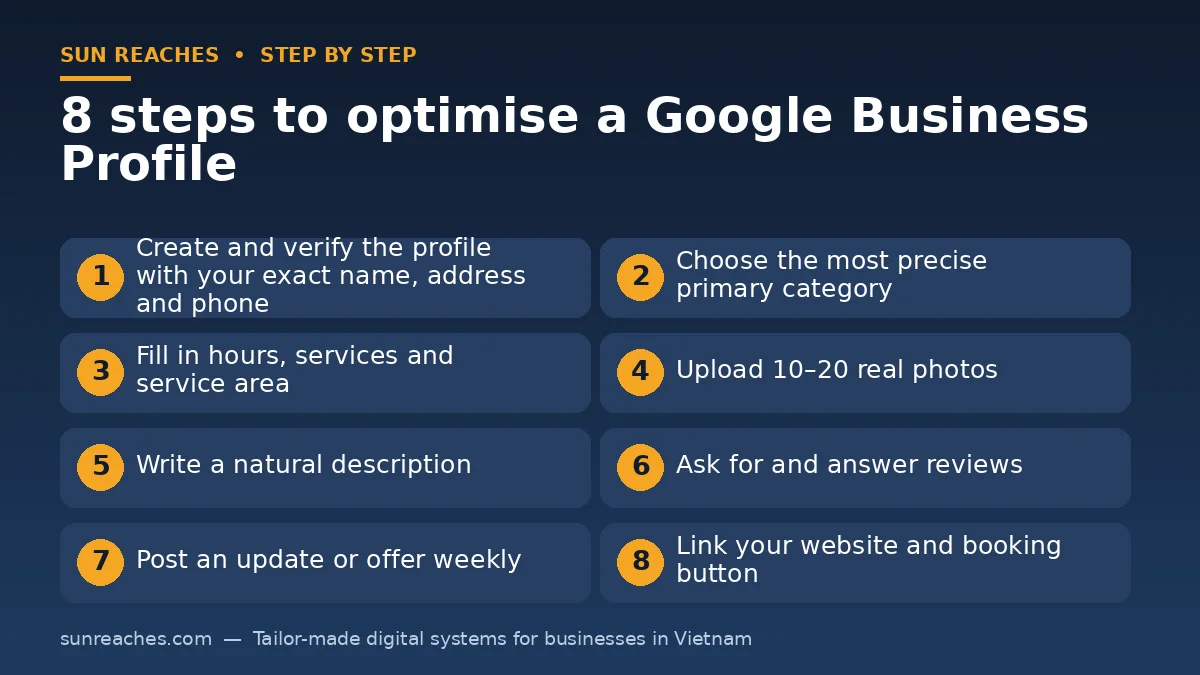
1. Verify ownership. An unverified profile has almost no chance of ranking. 2. Choose the exact primary category. It strongly affects which searches you appear for; add 2–4 accurate secondary ones. 3. Fill in everything: hours (including holidays), phone, website, services and attributes. 4. Add real photos: storefront, interior, team, finished work — 10–20 to start. 5. Write a natural description: what you do, where, and what makes you different. Avoid keyword stuffing. 6. Ask for and answer reviews — the factor customers notice most. 7. Post updates weekly: offers, new services, short tips. 8. Link your website and booking page.
Common mistakes
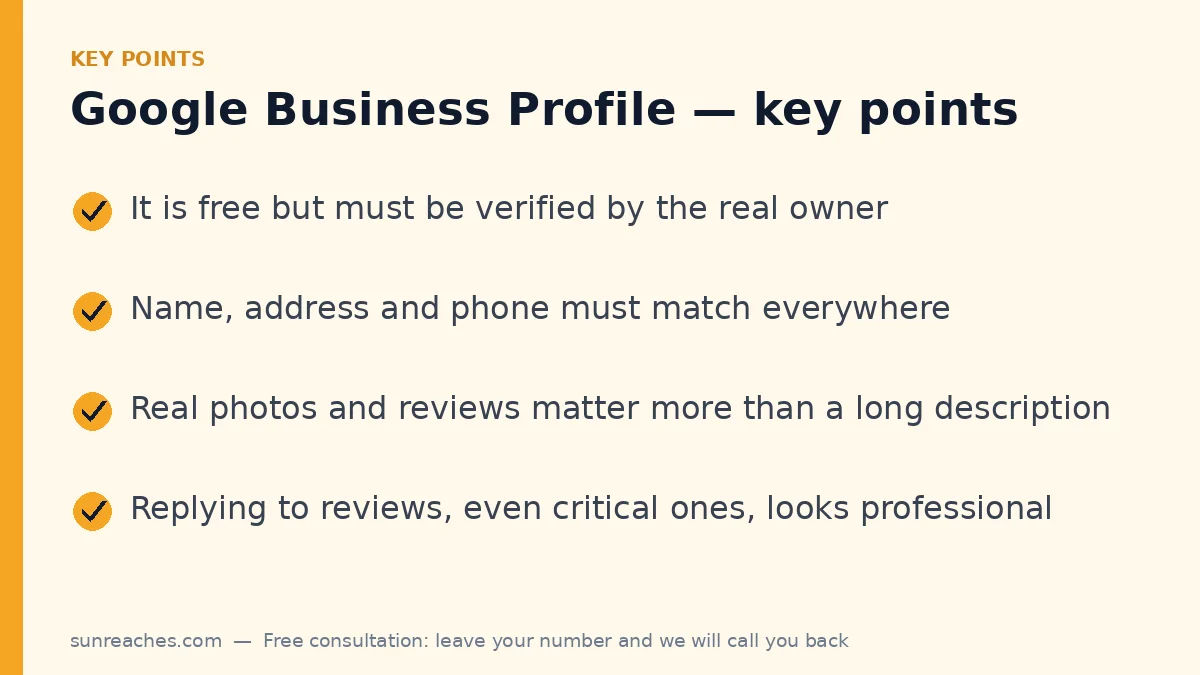
- Name, address and phone differ between Google, your website and Facebook.
- Stuffing keywords into the business name, which can lead to suspension.
- Ignoring critical reviews instead of replying calmly.
- Not updating holiday hours, so customers arrive at a closed door.
Measuring results
In the profile's performance section, track calls, directions and website visits. Aim for calls and directions, not views. If views rise but calls do not, check photos, reviews and hours.
Next step
Want someone to look at your profile and website? Book a free consultation and we will point out three priorities within your budget.
Want to apply this in your business?
Sun Reaches designs and builds systems around your industry — a 30-minute consultation is free and carries no obligation.
Frequently asked questions
Is Google Business Profile free?
Yes. Creating and managing the profile is free. You pay only if you run separate Google Ads.
How long until the profile shows on Google Maps?
After successful verification it usually appears within days. Ranking improves over time with completeness, reviews and relevance.
Do we need a website?
Not required, but a well-built website builds trust with Google and helps customers learn more before they call.
Read the original in Vietnamese: Google Business Profile cho gara, phòng gym, cửa hàng: hướng dẫn tối ưu từng bước